A retune rebuilds the channel list your TV keeps, by scanning what is arriving from the antenna and storing each service at its Australian channel number. It is the first thing to try when a network vanishes, when channels appear twice at numbers in the 350 range, after a transmitter changes frequency, after moving house, or after a new antenna or amplifier is fitted. The menu path is different on every brand and changes between model years, which is why we built a retune guide for each brand sold in Australia.
What the guides cover
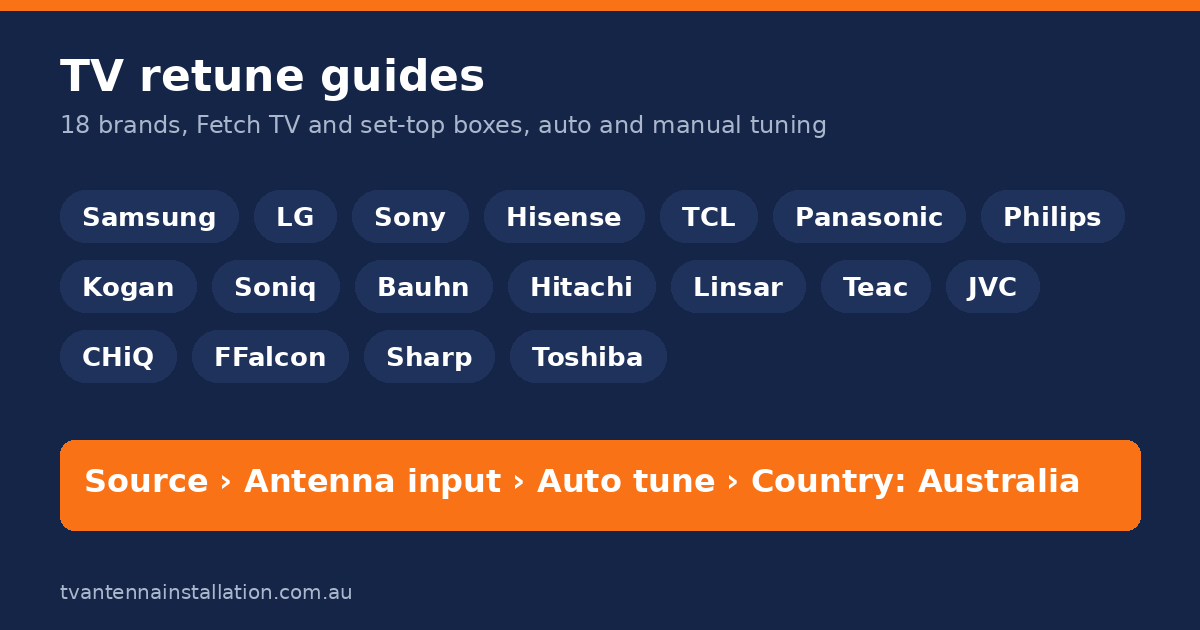
There are 20 brand and device guides, covering Samsung, LG, Sony, Hisense, TCL, Panasonic, Philips, Kogan, Soniq, Bauhn, Hitachi, Linsar, Teac, JVC, CHiQ, FFalcon, Sharp and Toshiba, plus Fetch TV boxes and the common set-top boxes and recorders from Strong, Beyonwiz and Topfield. Within a brand the steps are split by generation, because a 2023 Samsung with "General & Privacy" in its Settings menu is tuned differently from a 2015 set with a MENU button on the remote. Each guide starts by telling you how to identify which generation you have.
Four checks before any retune
Every guide opens with the same four checks, because they account for most "retune did nothing" calls:
- The antenna lead is in the socket marked ANT, RF IN, AIR or Antenna on the TV itself. If it only goes into a set-top box or Fetch box, the TV's own tuner has nothing to find.
- The TV is on its TV, Live TV or Antenna source. On many brands the tuning menu is greyed out while an HDMI input is selected.
- If a masthead or distribution amplifier is fitted, its power supply is plugged in and switched on.
- The country is set to Australia and, where asked, your state or region. A wrong country scrambles the channel numbers or finds nothing at all.
Auto tune or manual tune?
Auto tune scans every 7 MHz channel and is the right choice almost every time. Manual tune, where the TV offers it, scans one channel number or frequency and is for the cases auto tune gets wrong: a TV that locks onto a distant transmitter's weaker signal and stores the wrong copy of a network, or a service that only appears when you point the scan at it. To use manual tune you need the channel numbers for your transmitter, which the TV channels lookup lists for every reception area.
When a retune is not the fix
If every channel from one network is missing across the whole house, check for a transmitter outage before scanning. Our Channel 10 not working page shows how to check in under a minute. If a scan finds fewer channels than the last one did, the signal is weaker than it was, and the cause is on the roof or in the cabling, not in the menu; our guide to a new TV finding fewer channels works through that case. A retune cannot add signal; it can only sort what arrives.
Find your brand's retune guide. If a correct retune still leaves channels missing, Get a Free Onsite Quote and have the signal measured at the TV.